
Photos that spark interest
of buyers who started online say vehicle photos encouraged them to take the next step.
Car dealer software
Prepare your car photos, write listings with AI and share a complete vehicle presentation. Then bring selected vehicles to your own dealership website — all in TrakarIA Sales.
For independent used car dealers, garages and multi-brand sales teams.
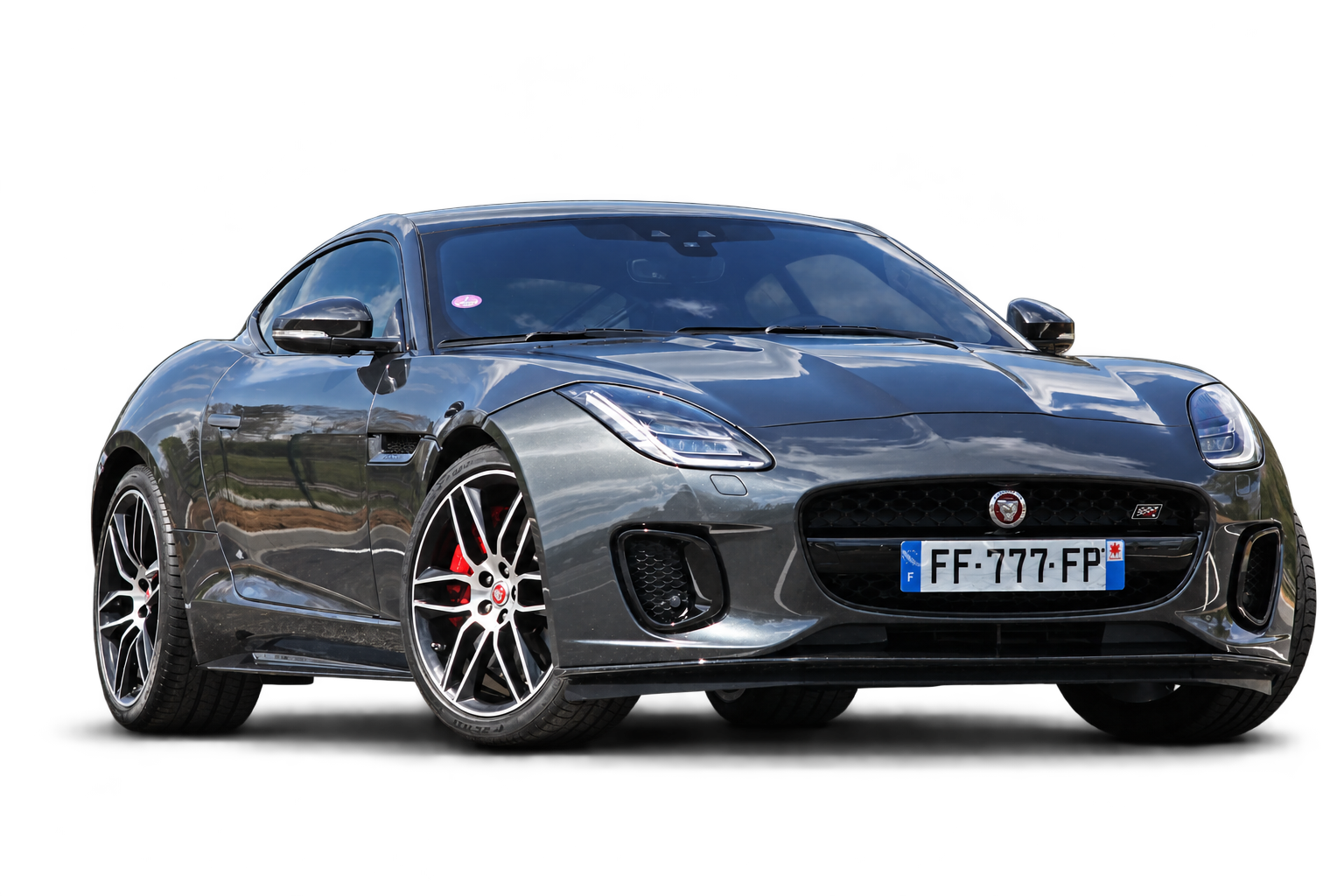
Your photos. Your identity.
Explore car photo background replacement, dealer branding and number plate masking. Exterior and interior views belong to the same vehicle; you choose the presentation before you share it.
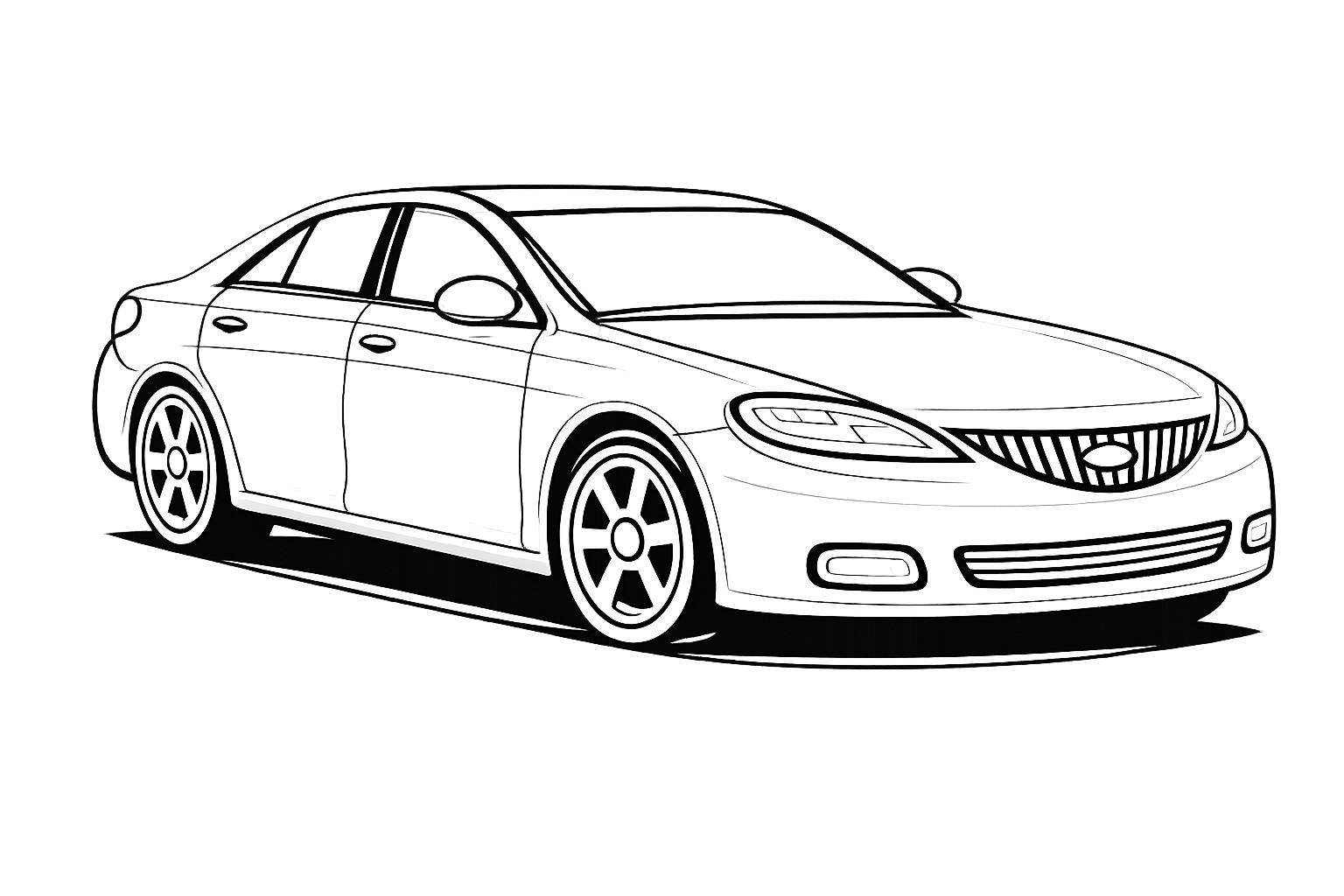 Front passenger corner

Start with what you want to do
Identify a car, inspect visible damage, prepare photos, write a listing or build your dealership website. Explore the tools behind each task.
Less data entry. A richer vehicle record.
Make vehicle condition clear at a glance.
A consistent presentation, unmistakably yours.
Your vehicle facts. Your voice. More languages.
From a single offer to your own dealership website.
One workspace to keep your sales activity moving.
AI proposes information and visible findings for your review. Available functions depend on your plan and permissions; vehicle-reference coverage varies by market.
Stand out from the first photo
Professional-looking photos, a recognisable stock presentation and vehicle content prepared in one place.
of buyers who started online say vehicle photos encouraged them to take the next step.
Put the vehicle centre stage with a clean setting, consistent framing and your dealer identity.
Give your vehicles a coherent visual identity across photos, presentations and your dealership website.
Prepare photos, AI-assisted listing copy and a shareable presentation from the same vehicle information.
Beyond the photo
A good photo opens the conversation. A complete vehicle presentation helps you answer it: verified details, equipment, AI-assisted listing text, the documents you choose to share and a public vehicle page.
Keep specifications, equipment and the vehicle’s history together as you prepare the sale.
Create a description from the vehicle information, review it and prepare other language versions.
Public page, PDF, link or QR code: give the buyer a useful next step.
Public vehicle page

Explore the photos, vehicle details and equipment in one clear presentation.
From vehicle to website
Publish selected, eligible vehicle offers to a dealership website under your brand. The buyer moves from your stock to the vehicle presentation, then contacts your team with the right vehicle in view.
Your dealership. Your website.A closer look. A clear next step.
Bring selected vehicle offers together in a clear, branded catalogue.
Photos, description and shared documents stay part of the vehicle presentation.
Give the buyer a way to contact you about the vehicle that interests them.
Yes. Independent dealers, garages and multi-brand sellers can prepare car photos and listings, then share offers by page, PDF, link or QR. Add a Showroom when you need a dealership website.
Yes. Use the photo-only workflow to transform your vehicle photos and download the results. You can stop there, without creating a complete vehicle presentation or a dealership website.
Yes. Vehicle Studio combines transformed photos with vehicle details, equipment, listing text and selected documents. Share the presentation, then add selected offers to your Showroom if you use one.
Choose a scene, add your dealer branding, apply a photo watermark and choose a number plate treatment. Review the result against the original: the vehicle, equipment and imperfections must remain faithfully represented.
No. Share a vehicle through its public page, PDF, link or QR code. Showroom adds a branded dealership website for selected, eligible offers when you want a destination for your online inventory.
Choose Sales for vehicle photos, listings and your dealership website. Fleet focuses on vehicles your business operates: maintenance, mileage, costs and documents. Start with the activity you need to manage.
Yes. It can suggest make, model, specifications and equipment from text or an image. Check the suggestions and complete missing details; reference lookup coverage varies by market.
It can flag possible visible damage for your review. Correct or add findings and decide what to disclose. Photo analysis does not replace a mechanical inspection.
Yes. Enhancement is optional and applies to the photo you select. Review the proposed result and choose whether to use it or keep the original.
Sales brings photo preparation, editable listings and vehicle sharing into one workspace. A dealership website is available with Pro. Start with Free and compare the functions and capacity of each plan.
Start with one vehicle
Your photos, your listing, your vehicle presentation. Start with the result you need today and build from there.