
TrakarIA Vehicle Studio
From car photos to a complete vehicle listing.
Prepare your car photos, create an AI-assisted listing and bring the complete vehicle presentation together in TrakarIA Vehicle Studio.
Go straight to photo preparation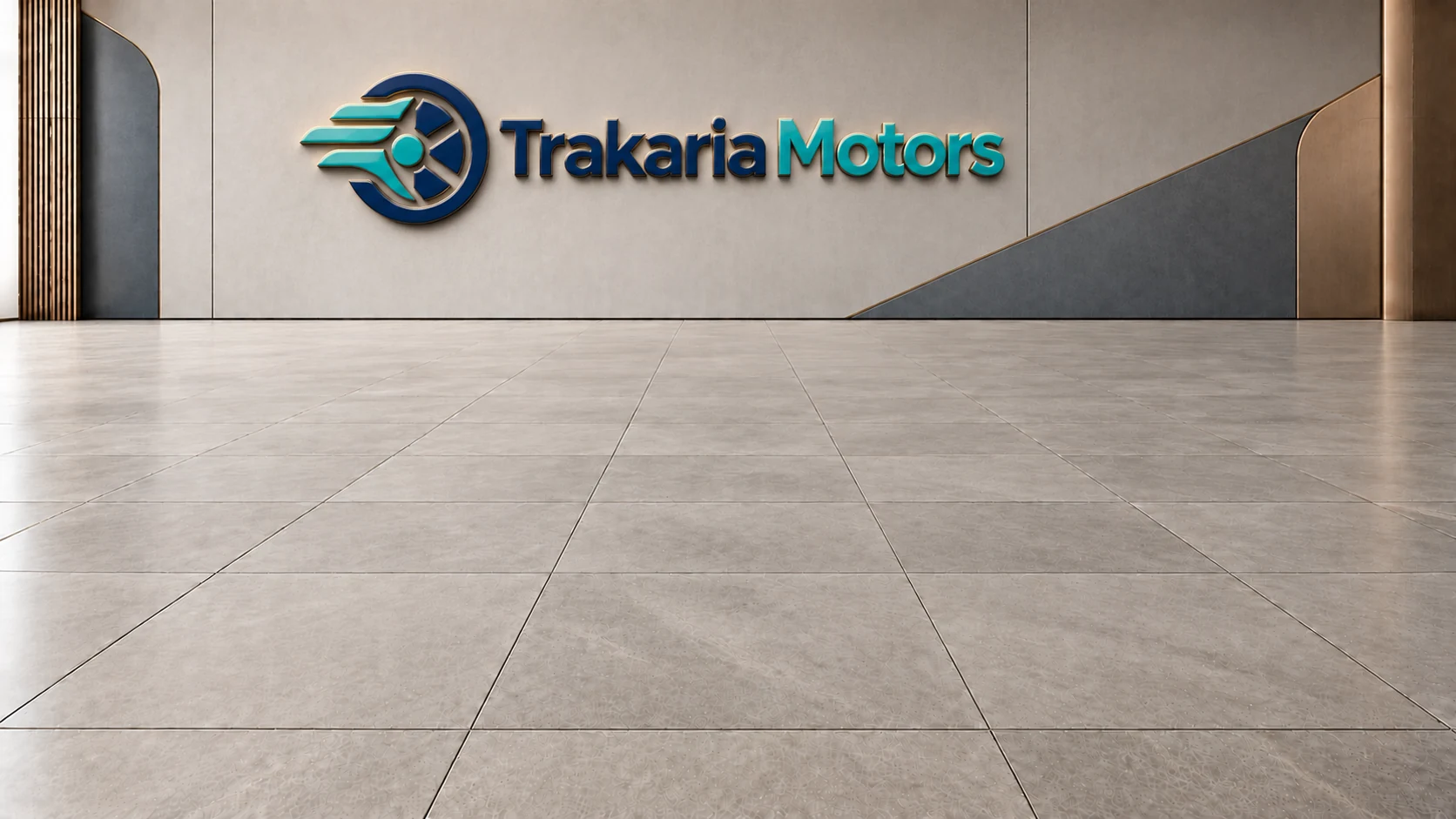


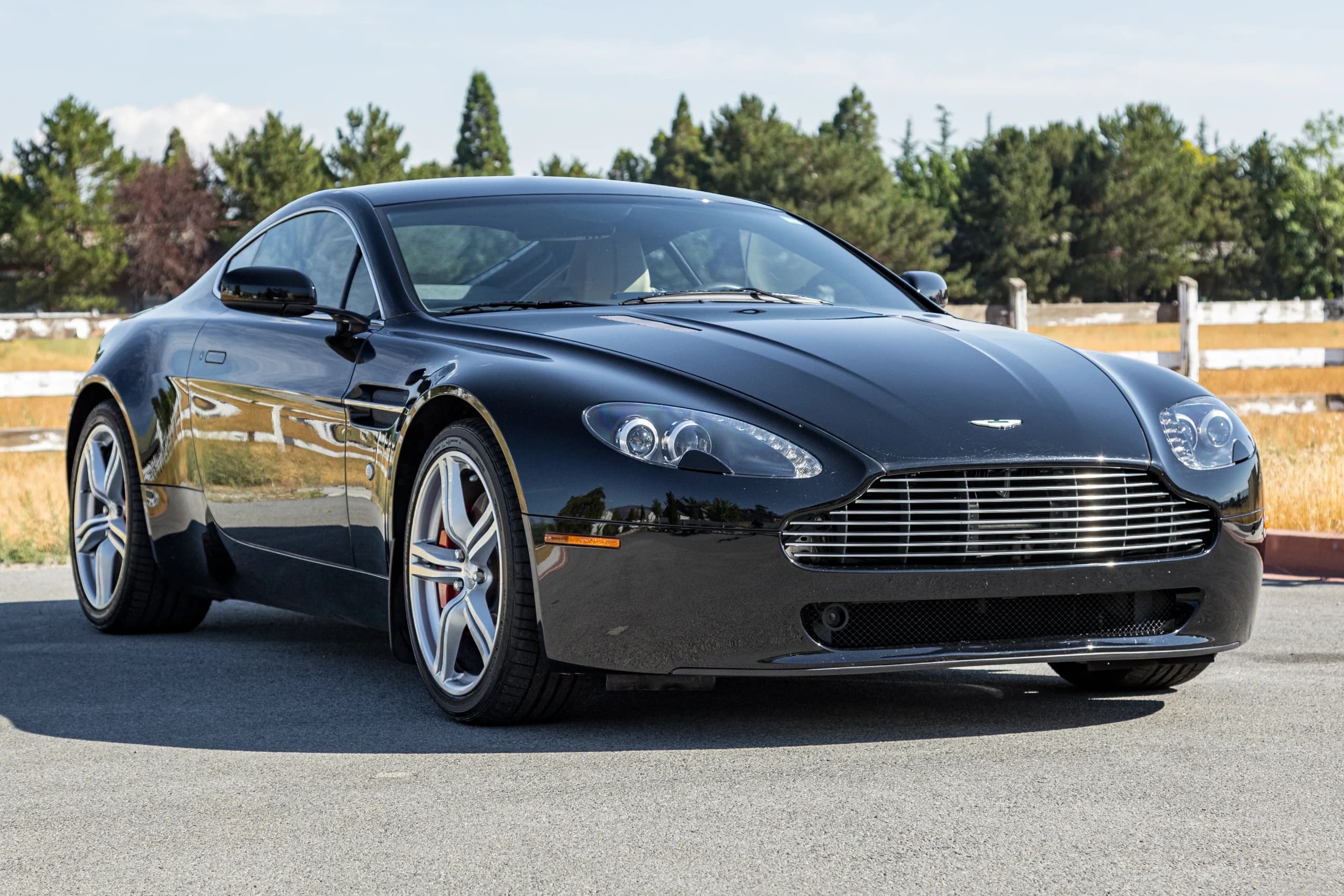 Original photoReady to share
Identify the vehicle from what you have.
Use text or an image to suggest make, model, specifications and equipment. Review the extracted information, use available reference assistance and complete the record.
Less typing. A stronger starting point.
See the live exampleAston Martin V8 VantageAston Martin V8 Vantage
Keep the useful information. Complete what is missing.
Prepare car photos in your dealership’s style.
Remove backgrounds, choose a scene, protect plates and add your branding. Optional photo enhancement is your choice; compare the result before using it. Personalize a studio scene with your logo, lettering and realistic signage, then reuse your branded setting across vehicle photos.
Professional car photos, in your style.
Car photography: the complete shot checklistPrepare and download your photos on their own. Continue into the complete presentation whenever you need it.
Try it with your own photoOriginal photoDetect visible damage. Decide what to share.
TrakarIA can flag possible damage on photos and suggest odometer readings. Review or correct the findings, keep the original evidence and choose the documents buyers can access. Show selected damage with animated visual markers and focused views, so vehicle condition is easier to understand.
A clearer vehicle. The right information shared.
See the live exampleNo imperfections declared
This published Aston presentation contains no declared imperfections. You choose which reviewed observations to include.
Generate professional car listings in multiple languages.
Turn vehicle details, equipment and photos into professional car descriptions. Set the sale terms, review each language and choose how buyers contact you.
Less rewriting. A listing you control.
How to write and prepare a used car listingSee the live example13,000 km · 420 hp
Your complete vehicle presentation, ready to share.
Bring photos, vehicle details, equipment and selected documents into one public vehicle page. Share its link or QR access, or download the PDF.
One prepared vehicle. A complete sales presentation.
Public vehicle pageExplore the complete exampleAston Martin V8 Vantage
Details
Finished in metallic black with a beige Sahara Tan leather cabin, this Aston Martin V8 Vantage pairs a naturally aspirated 4.7L V8 with a 6-speed Sportshift automated transmission and paddle shifters. Its compact two-seat layout, rear-wheel-drive configuration, limited-slip differential and sport-focused chassis create a distinctly driver-centred character, while the richly appointed interior brings genuine touring comfort.
Equipment
Selected documents
Can I just prepare and download car photos?
Yes. You can transform and download your photos without preparing the full vehicle presentation or creating a dealership website.
Can TrakarIA create a car listing from my vehicle information?
Yes. Vehicle Studio can draft a description from prepared vehicle information and help create other language versions. You review the details and wording before publication.
What can I import to start the vehicle record?
You can paste text, upload a .txt file or use a JPEG, PNG or WebP image. Extracted information and vehicle-reference suggestions remain yours to confirm.
Can I choose which vehicle documents buyers can download?
Yes. You choose which documents appear in the vehicle presentation and, separately, which files buyers can open. A mentioned document can keep its underlying file private.
What can I share once the vehicle presentation is ready?
Share the public vehicle page and QR access, or download the PDF. You can also add selected published offers to a TrakarIA Showroom if you use one.
Can TrakarIA recognize a vehicle’s make and model?
Yes. It can suggest make, model, specifications and equipment from text or an image. Check the suggestions and complete missing details; reference lookup coverage varies by market.
Can TrakarIA detect damage on car photos?
It can flag possible visible damage for your review. Correct or add findings and decide what to disclose. Photo analysis does not replace a mechanical inspection.
Can I enhance a photo without changing every image?
Yes. Enhancement is optional and applies to the photo you select. Review the proposed result and choose whether to use it or keep the original.
And next?
Your vehicles. Your next sales channel.
Build your dealership website with Showroom, or talk to us about bringing your vehicle presentations into your existing site through an API integration.
Your own dealership website
Bring your selected vehicle presentations together in a dealership website with your identity.
An API integration for your website
Tell us how you want to use your vehicle presentations. We will discuss the data, website and integration options with you.
Discuss an API integration