1 · Start with the actual vehicle
Give AI a usable source photo.
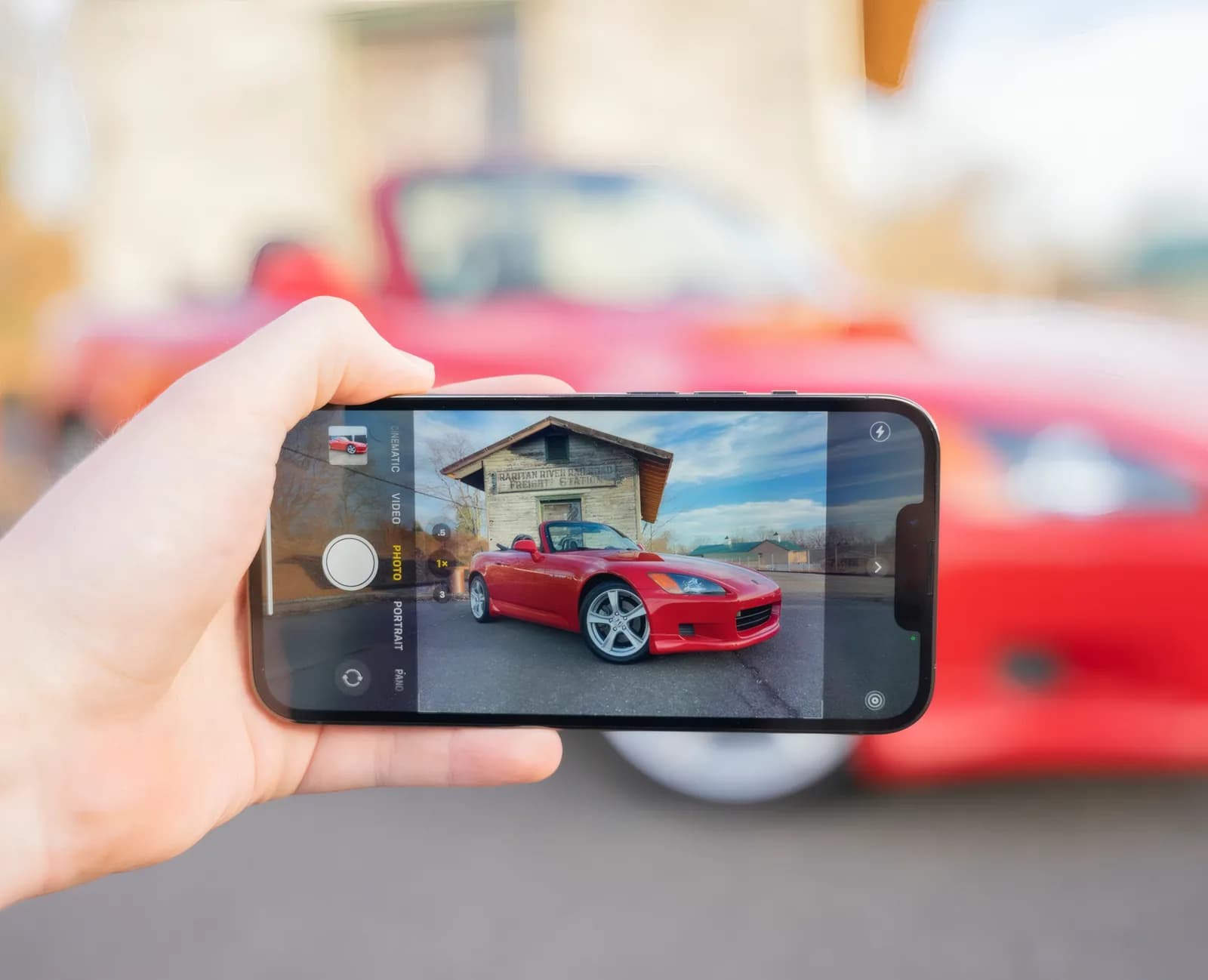
A car background remover needs a sharp subject to work from. Photograph the whole vehicle, leave space around the bumpers and wheels, and use soft light so paint and panel details remain readable. Keep your source files linked to the right vehicle.
Use matching views across your stock instead of repeating only the strongest angle. A complete exterior sequence, cabin views and condition close-ups give the prepared listing something concrete to communicate.
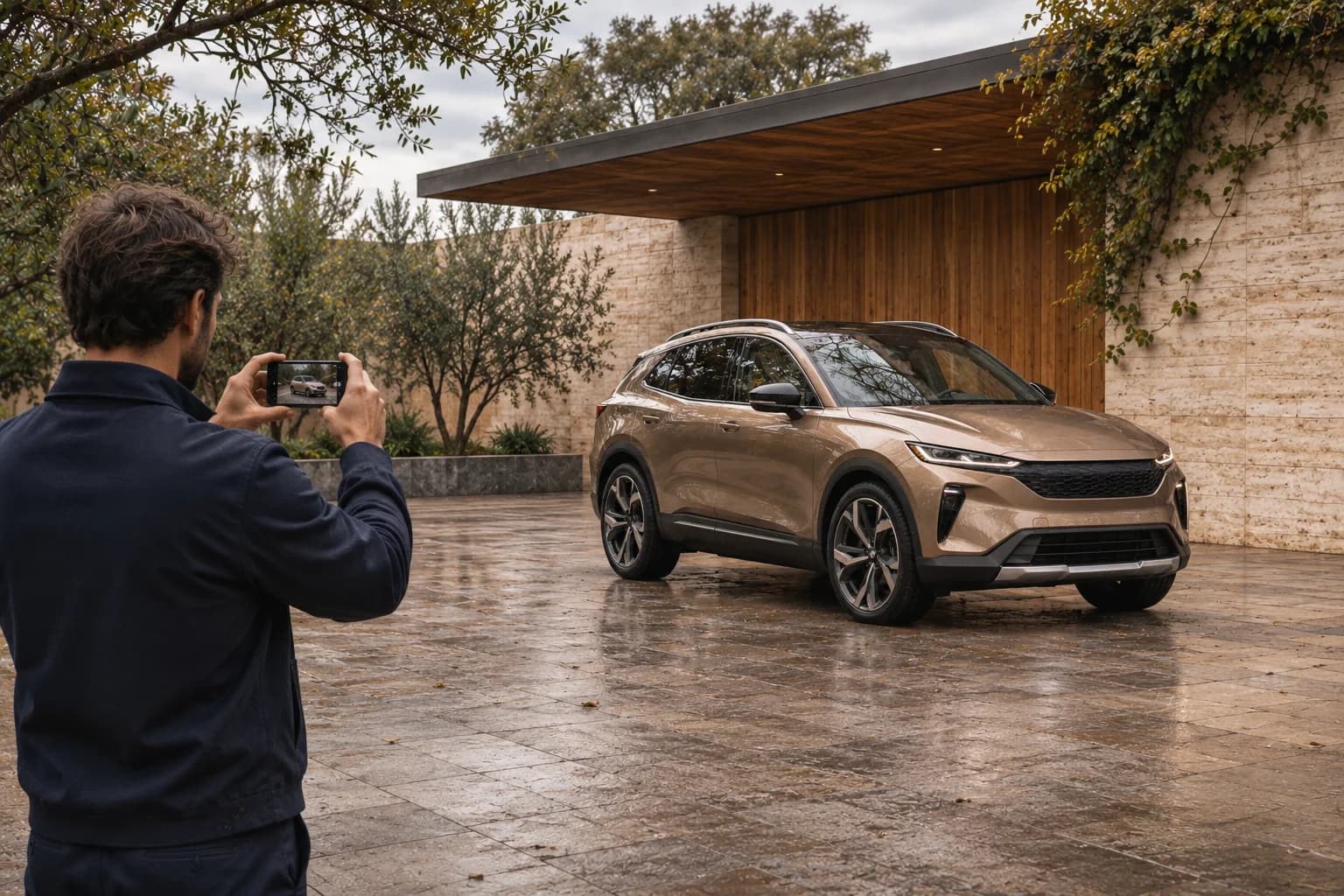
A complete frame
Keep mirrors, roof, tyres and bumpers inside the image; do not rely on editing to invent missing parts.
Useful evidence
Capture visible wear and useful equipment separately, alongside the attractive main views.
2 · Review vehicle accuracy
A new setting still needs the same car.
Background replacement and vehicle redesign serve different purposes. For a real vehicle listing, compare the prepared photo against the original: body shape, paint colour, wheel design, lights, badges and visible defects should still describe the car being sold.
In the interactive TrakarIA demo, switch between original and prepared photos. Use that comparison as a review habit, rather than treating any AI output as automatically ready to publish.
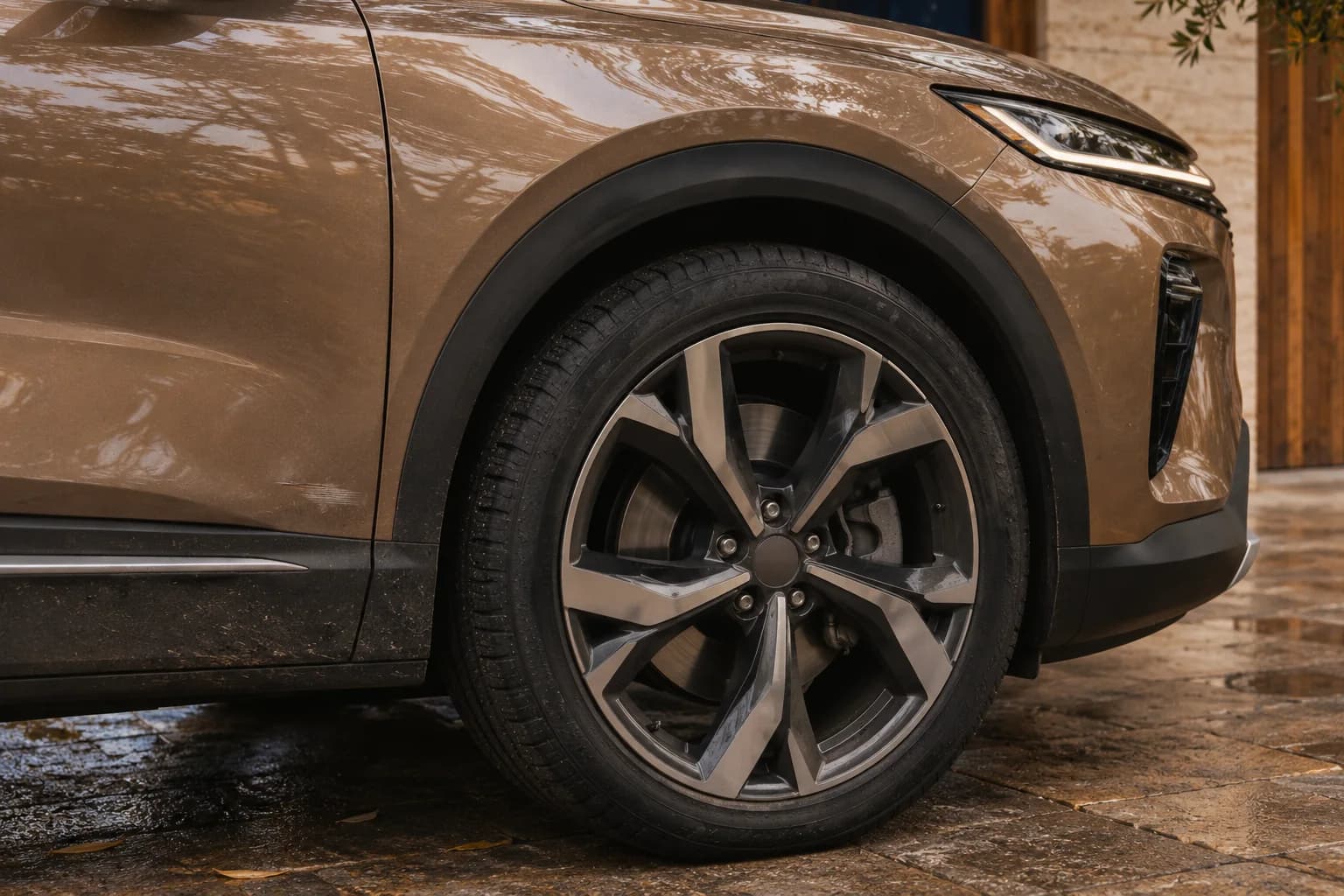
Check recognisable details
Inspect wheel spokes, panel lines, mirrors, glass edges and accessories at a useful viewing size.
Keep condition visible
A scratch, worn seat or damaged wheel belongs in the sales record; a cleaner backdrop does not change that.
3 · Prepare the background
Build one visual setting for your inventory.
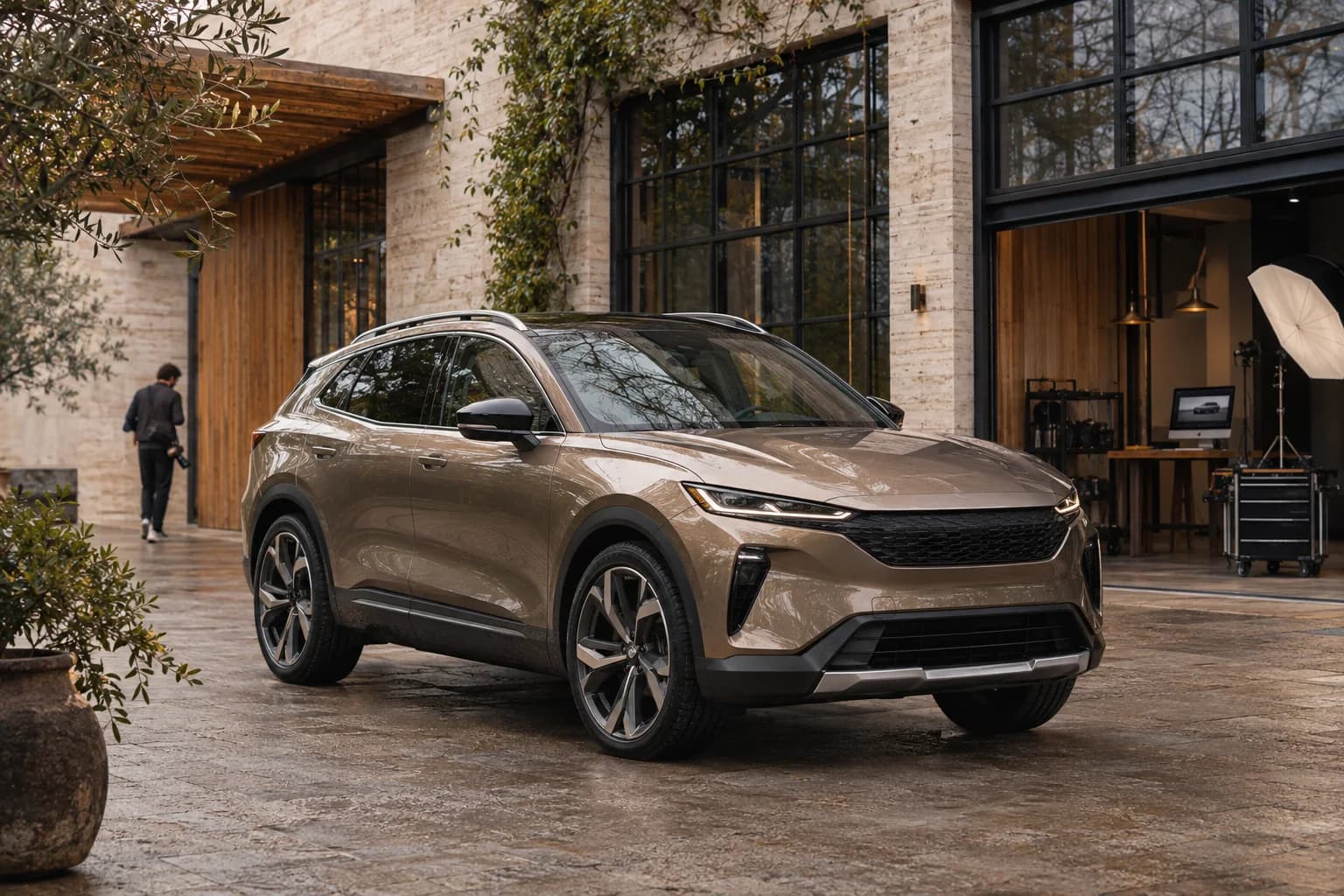
A virtual car showroom is most useful when the setting supports comparison. Choose a restrained background, a readable floor and believable proportions, then use the same presentation rules for vehicles photographed in different locations.
In TrakarIA, explore the available scenes and adjust the position, scale and rotation of complete vehicle cutouts. When the subject touches the source image edges, keep its original framing instead of trying to centre an incomplete car.
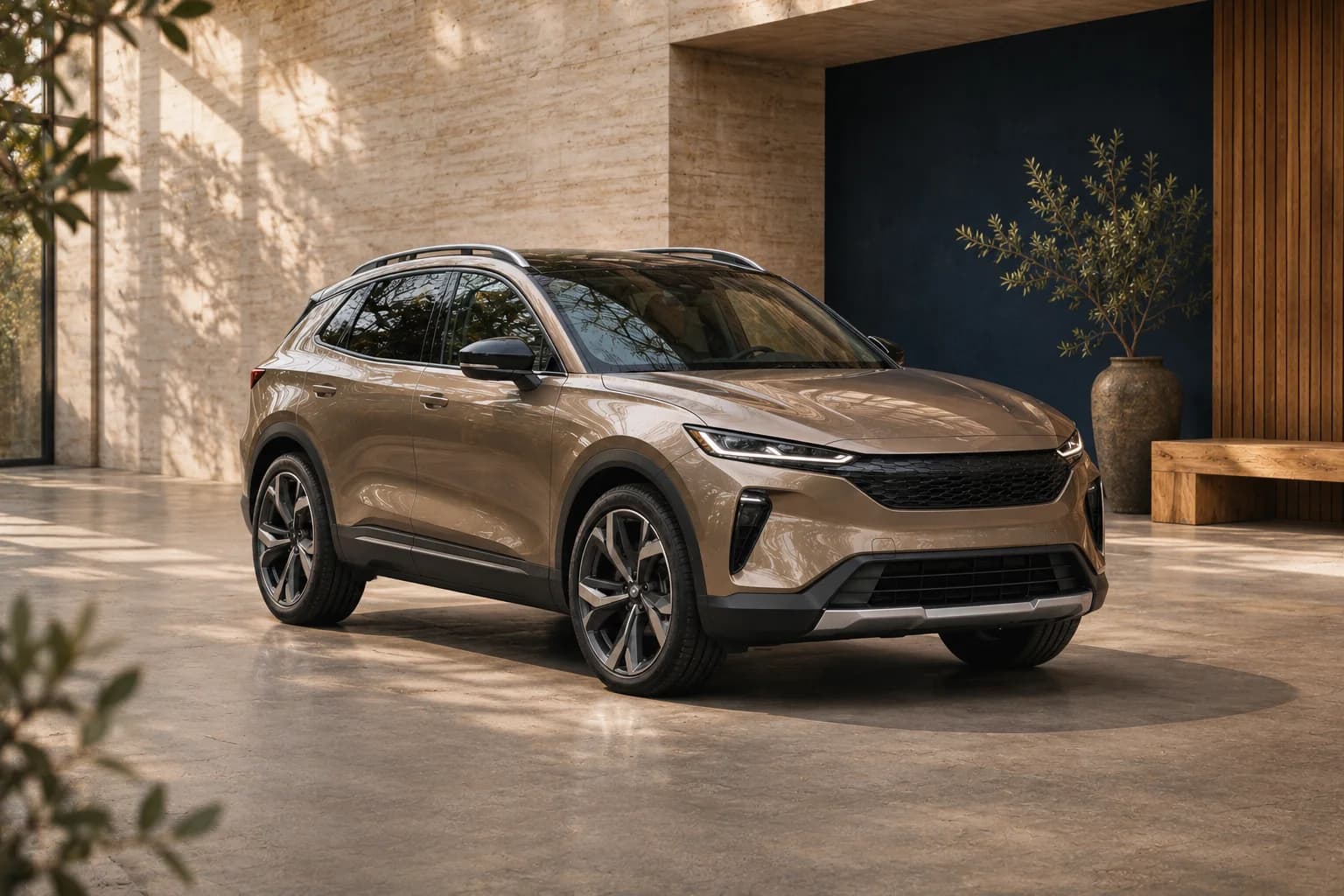
A consistent scene
Use a limited set of backgrounds so the catalogue feels connected without making every vehicle indistinguishable.
A framing check
Leave comfortable space around the vehicle and review the result on both a wide screen and a phone.
4 · Apply your identity
Make the presentation recognisably yours.
Dealership branding connects photos that arrive from different team members or sites. Vehicle Studio lets you explore wall branding and a photo watermark alongside the selected scene, so the seller identity belongs to the presentation rather than competing with the vehicle.
Keep one logo treatment and a predictable placement across the set. Review contrast on light and dark backgrounds and make sure branding does not cover vehicle details or condition evidence.
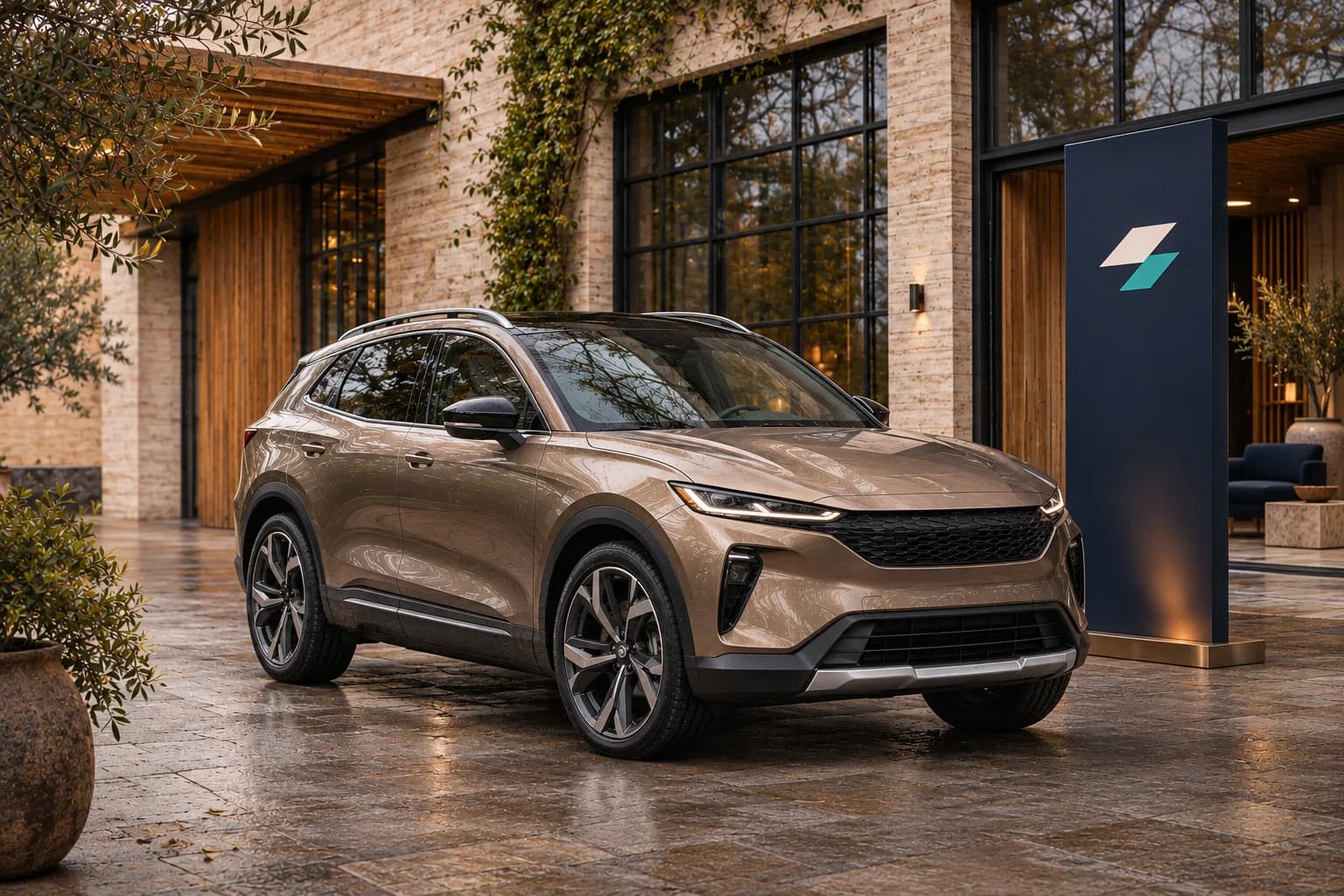
Wall branding
Preview the identity in the scene and compare the image with wall branding enabled or disabled.
Photo watermark
Choose a readable mark that leaves lights, plates, wheels and damage details easy to inspect.
5 · Review number plates
Choose the plate treatment before you share.
Car number plate blur is part of presentation review, alongside checking reflections, personal belongings and documents in the frame. Decide which images need the original plate, a blur or a dealer identity, according to the channel and your intended use.
Where a usable plate region is available, TrakarIA lets you preview the supported treatments on the prepared photo. Inspect its position at the final image size; recognition text and a usable editing mask are separate results.
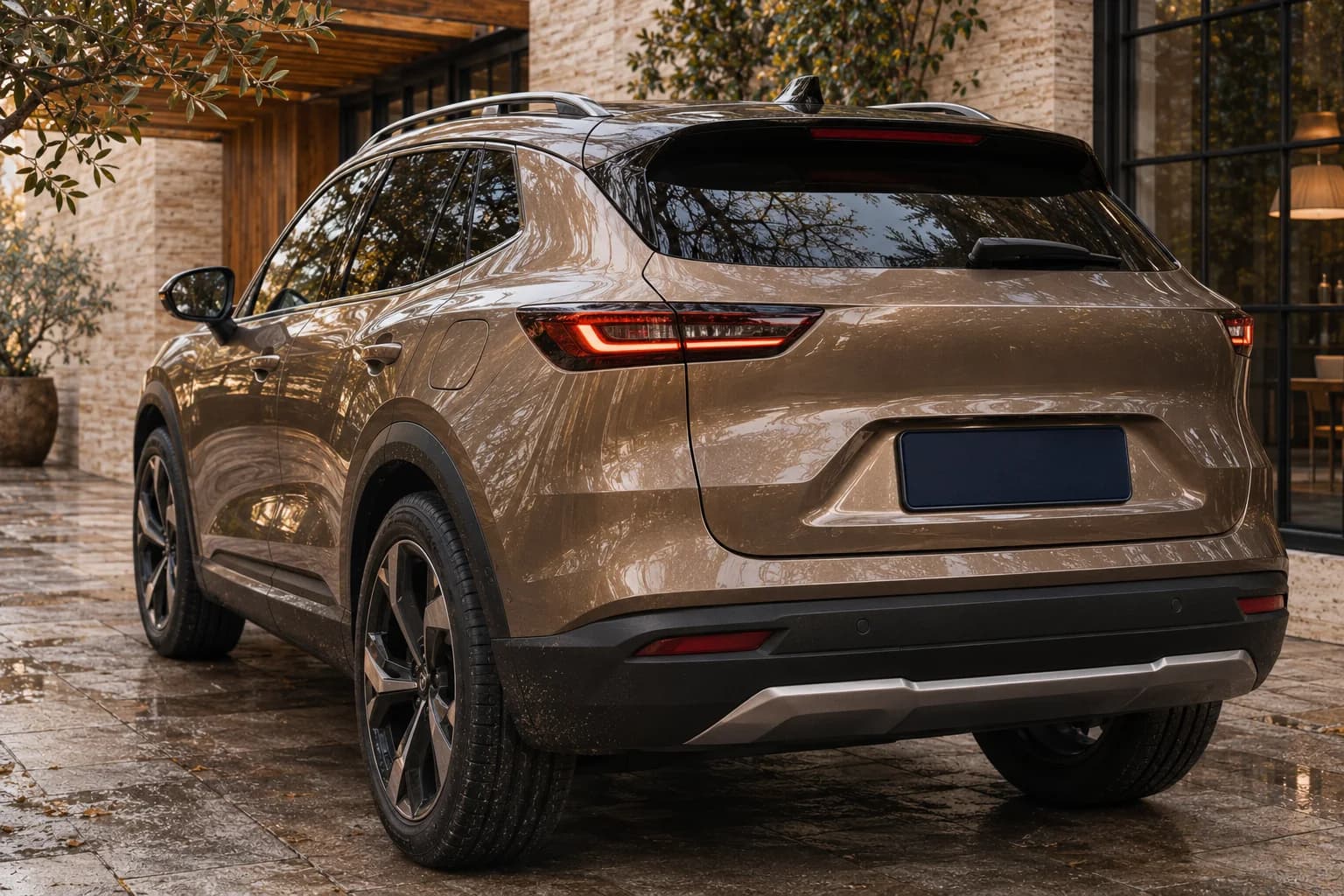
Check the region
Make sure the effect follows the actual plate, including an angled view, without covering nearby bodywork.
Review the whole image
Check mirrors, screens and paperwork too; changing the plate alone does not remove every personal detail.
6 · Include interior photos
Let the cabin complete the vehicle story.
Interior car photography answers questions the exterior cannot: seat condition, dashboard layout, controls, storage and equipment. Photograph the actual cabin, keep screens and trim readable, and review every prepared result against that source.
An interior or a close-up often extends to the image boundaries. Keep that composition faithful to the original rather than placing the cabin or wheel as a small floating object in a showroom scene.
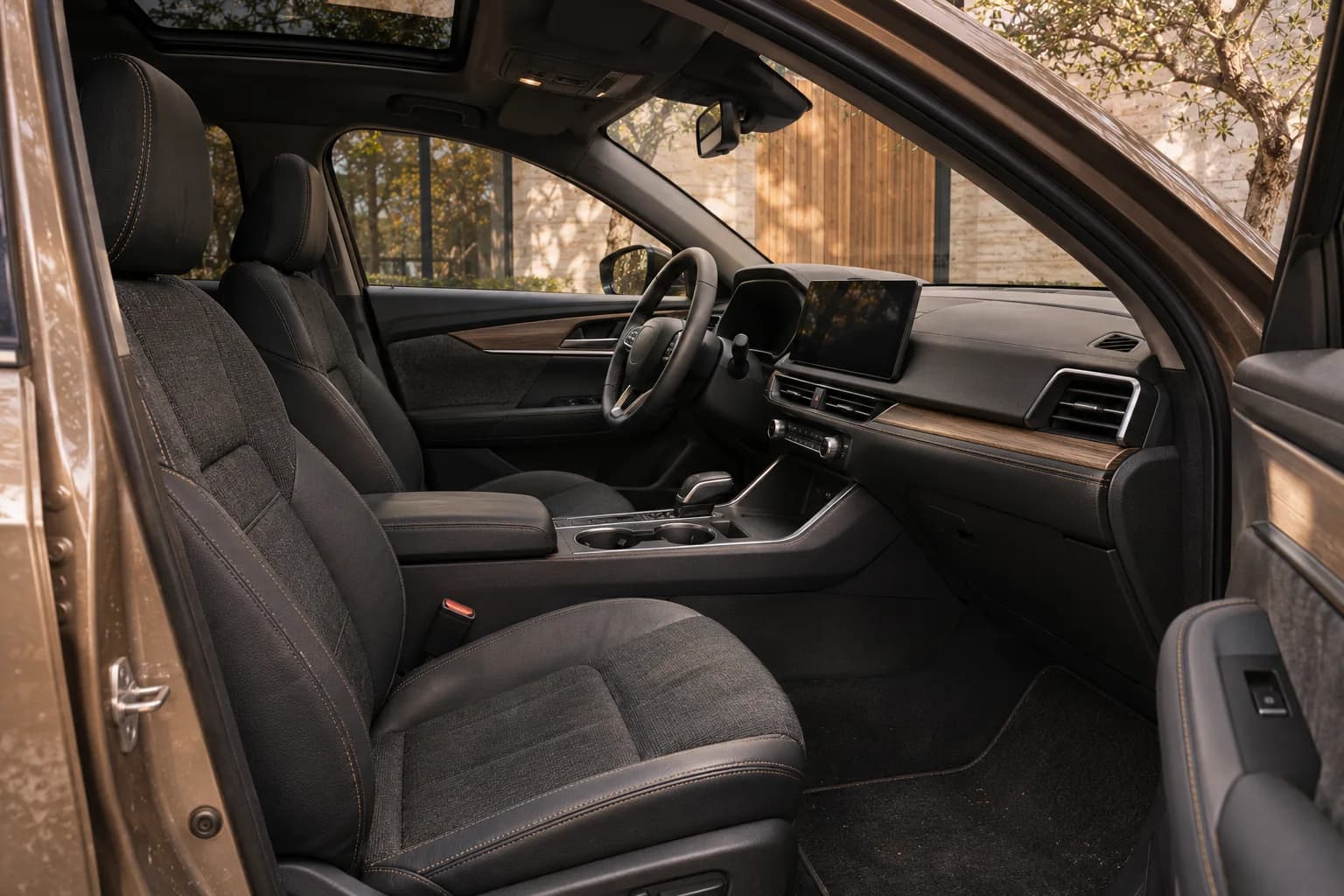
A readable cabin
Show the seats and dashboard in context, then add the controls and details a buyer needs.
An honest record
Keep upholstery wear, warning lights and equipment differences visible and described when relevant.
7 · Prepare the sales presentation
Connect approved photos to the vehicle record.
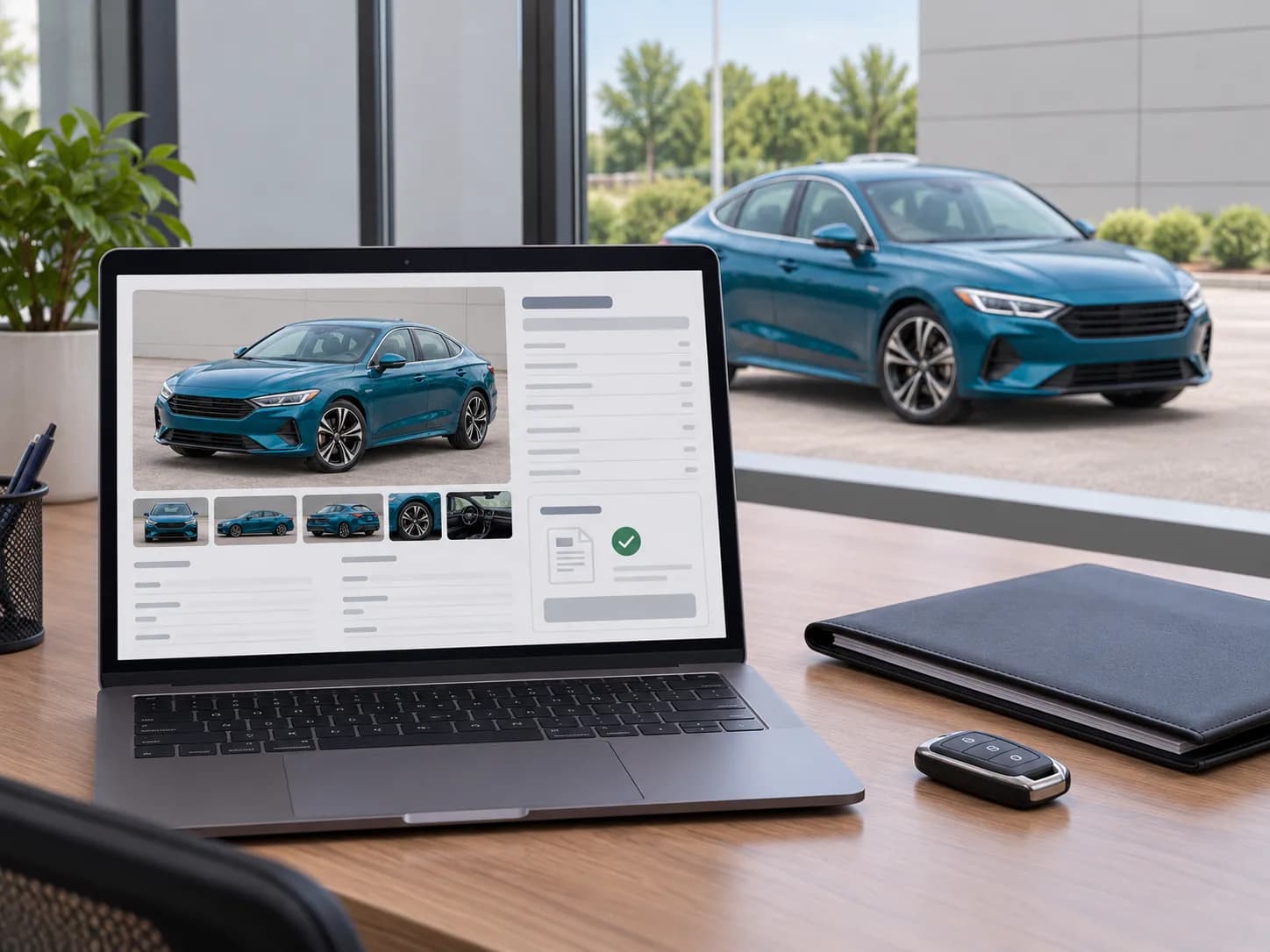
A coherent vehicle listing needs more than an attractive cover image. Keep the selected photos with the vehicle facts, mileage, documents and observations so the team can prepare the presentation from one record.
TrakarIA Sales connects this preparation with vehicle presentations, sales sheets and a digital showroom. Check the output you intend to share, including photo order and contact details. Where another publishing channel is involved, check its image requirements before exporting.
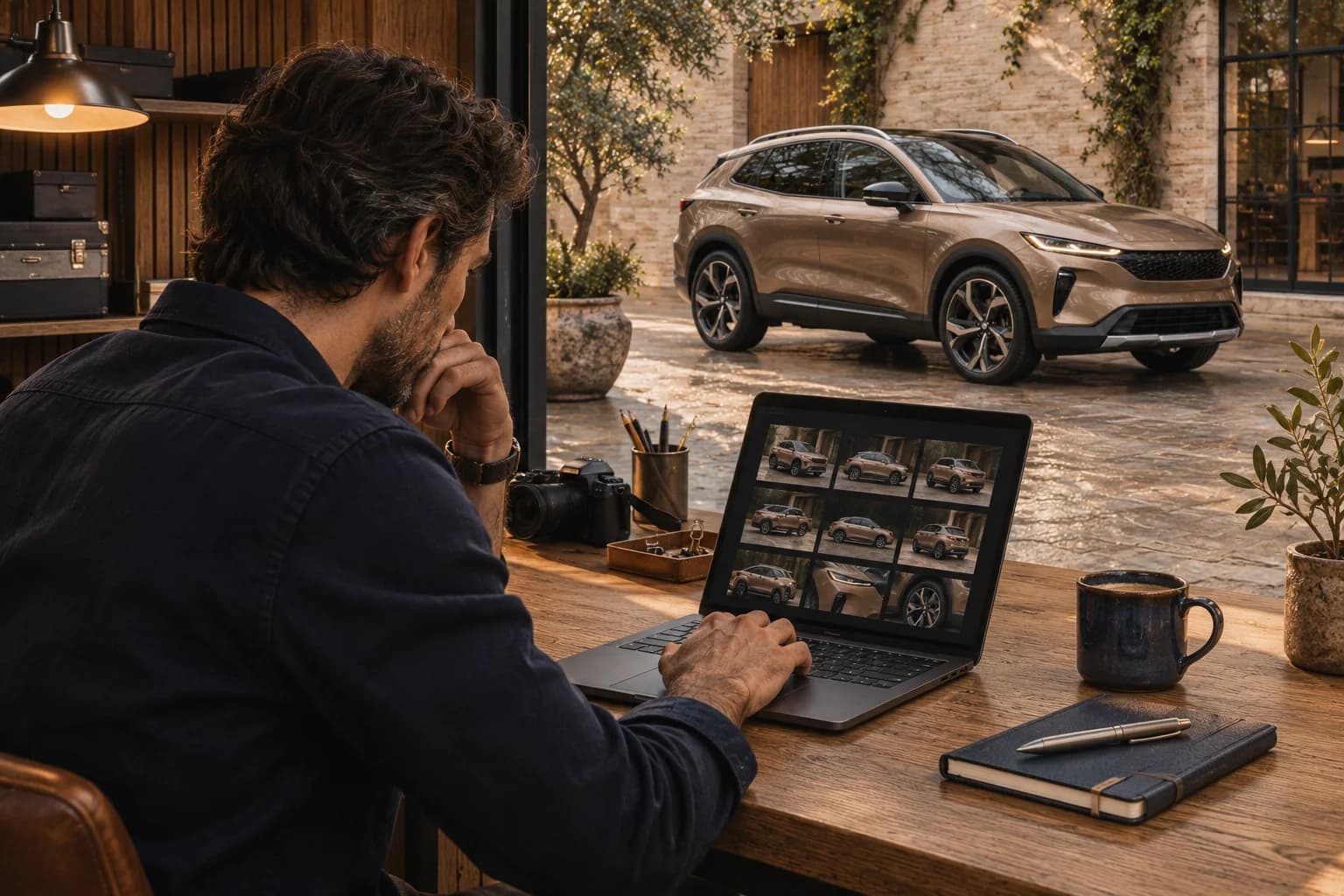
One reviewed photo set
Choose a clear cover, matching exterior views, cabin images and the details that answer buyer questions.
Useful measurement
Track photo preparation time, listing completeness and qualified enquiries; do not assume an image edit guarantees a sale.
8 · Before publishing
Your AI vehicle photo checklist.
Use this final check for one vehicle or a full dealership inventory.
Source retained
The original image remains linked to the correct vehicle.
Vehicle reviewed
Shape, colour, equipment and visible condition agree with the source.
Scene and identity checked
Framing, background and branding are consistent and readable.
Privacy and output checked
Plate treatment, personal details, photo sequence and destination format have been reviewed.
Questions about AI car photography.
What is AI car photography for a vehicle listing?+
It is the use of image tools to prepare an actual vehicle photo for presentation, for example by changing its background or applying a seller identity. Review the result against the source so it still represents the car for sale.
Can I change a car photo background without a physical studio?+
You can test a usable source photo in the TrakarIA demo, compare scenes and review the prepared image. A virtual setting does not replace a sharp, complete source or a final accuracy check.
Can I also prepare interior and detail photos?+
Yes, include the actual cabin and useful close-ups in your photo set. Review edge handling and framing carefully, particularly when the subject touches the image boundaries.
Can I try my own photo before creating an account?+
Yes. The public demo accepts your photo within its generation limits. An account lets you continue in Vehicle Studio; account creation does not automatically transfer your demo uploads.